SAP Buying 360 Procurement Website
Unified buying experience across spend channels.
Role
Senior Product Designer
Industry
Intelligent Spend and Business Networks
Duration
1yr
The Challenge
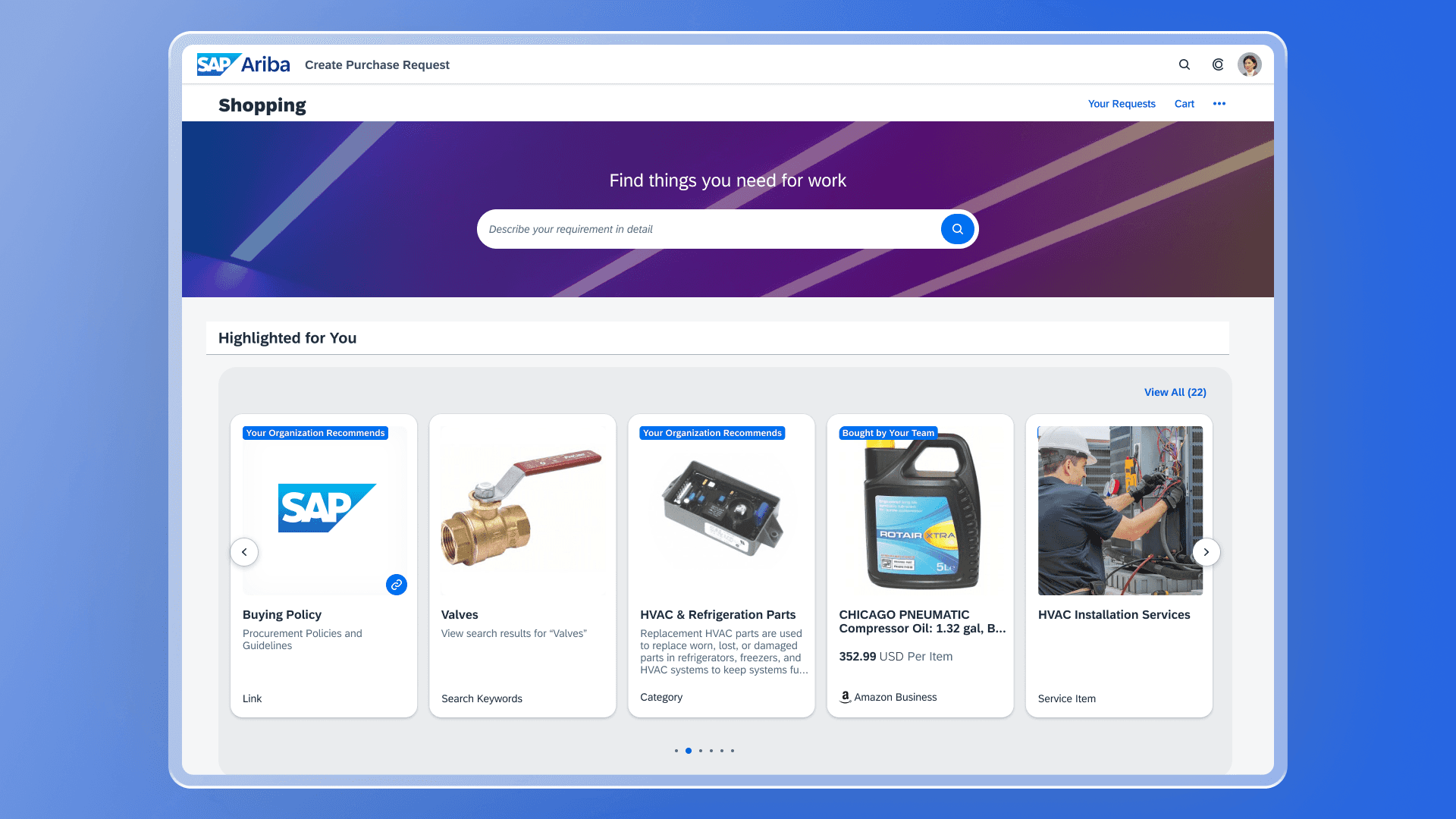
Guide users to goods and services within the company catalog through user assistance and AI based recommendations.
Outcome
Working with a team of designers from around the world, we built a unified buying experience for our customers. I was responsible for the Statement of Work floorplans, ensuring a consistent narrative moving between environments. Gartner raved “Buying 360 is the best thing we’ve done”.
Key Metrics
Combine materials and services in a single requisition for unified ordering and fulfillment.
Automatic creation of statement of work for orders containing service line items.
Real-time visibility of Service Entry Sheets, Goods Receipts, Invoices and approvals
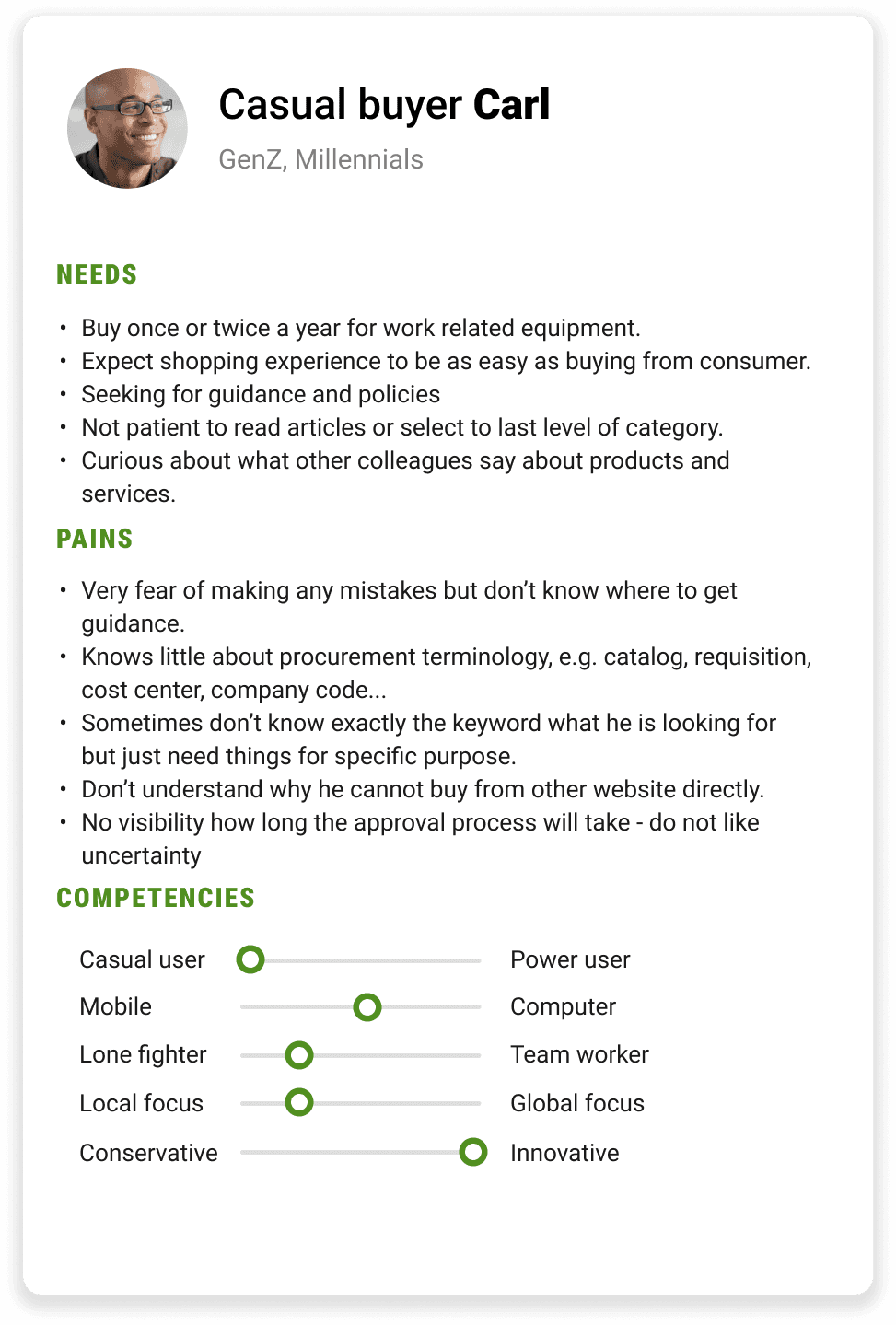
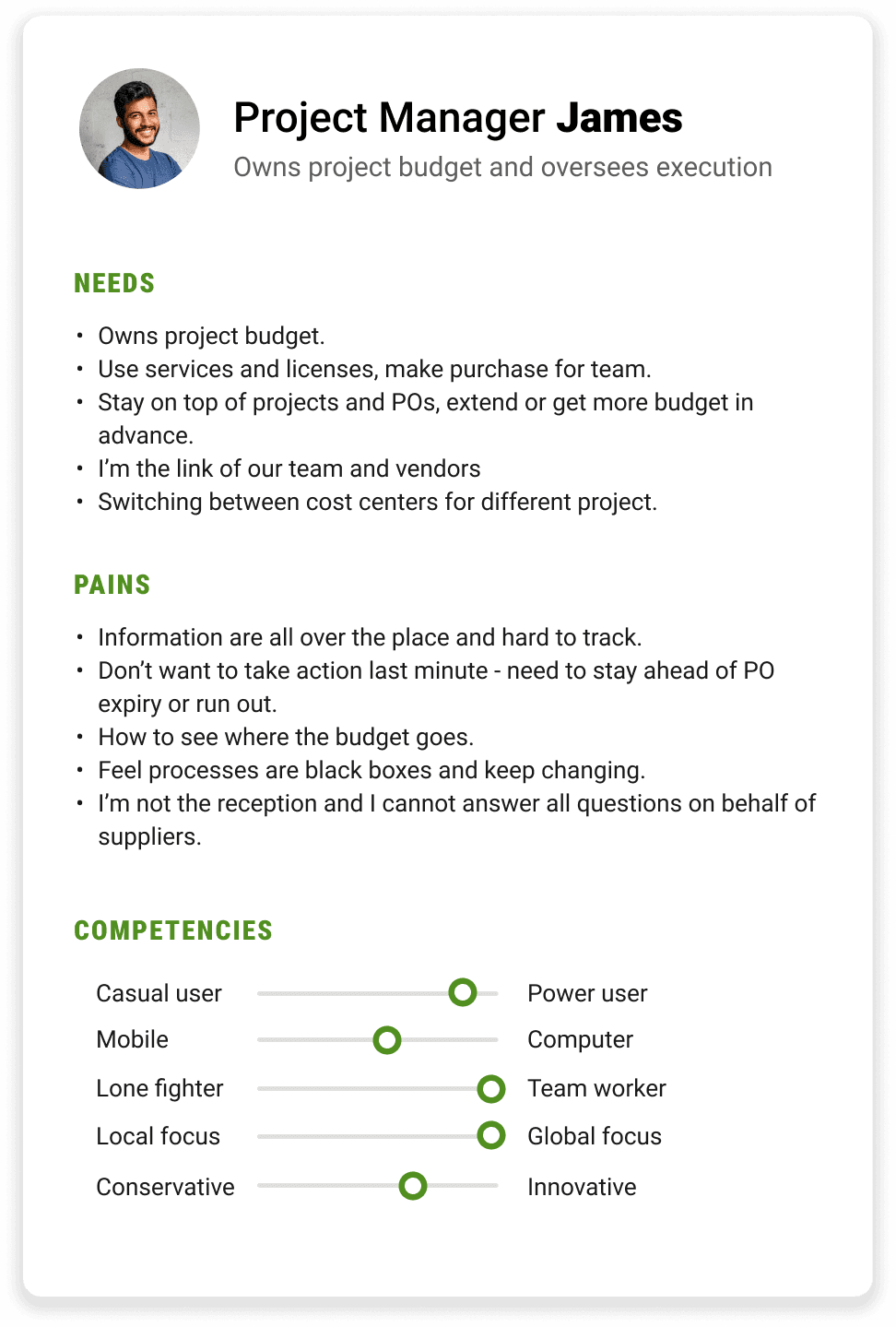
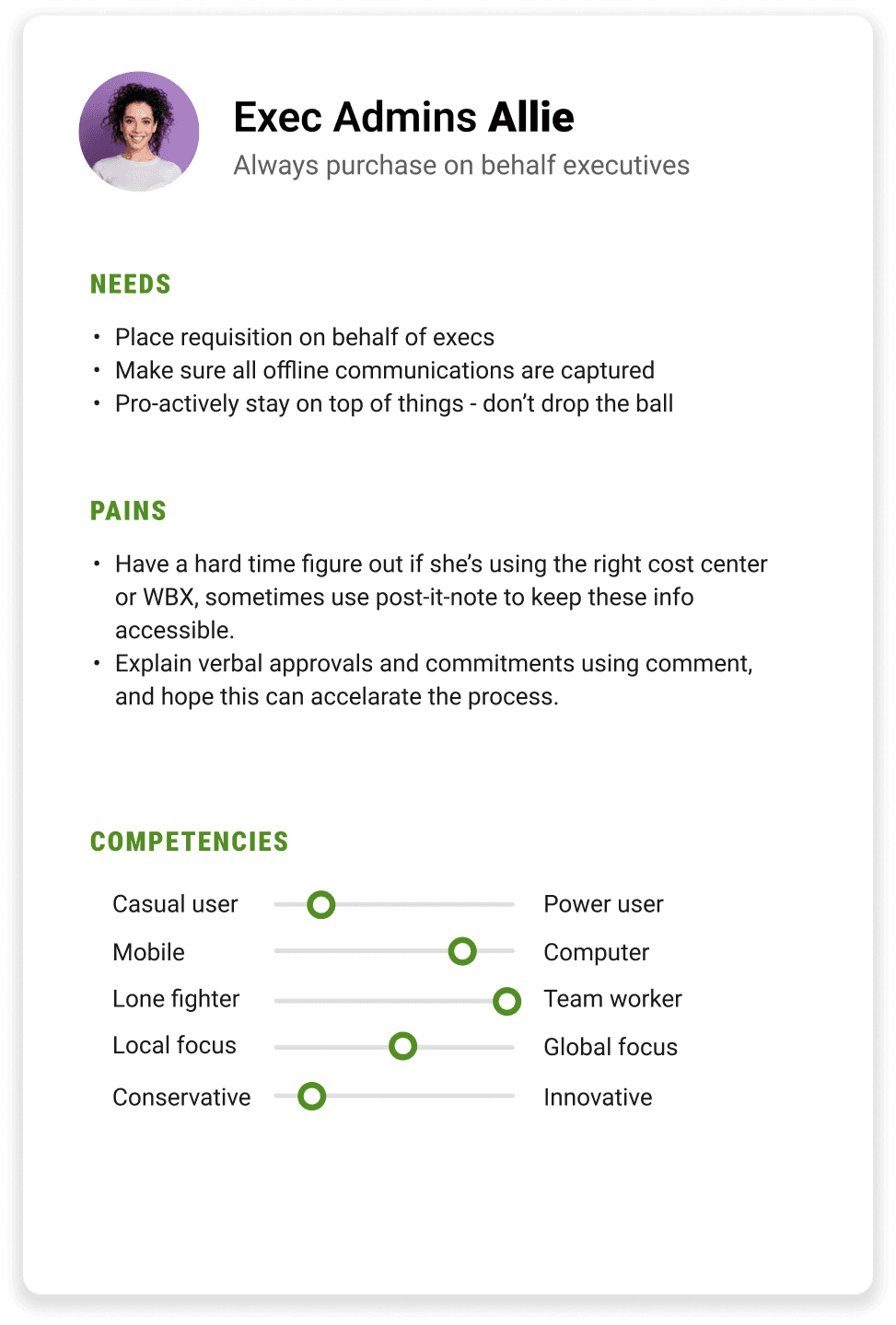
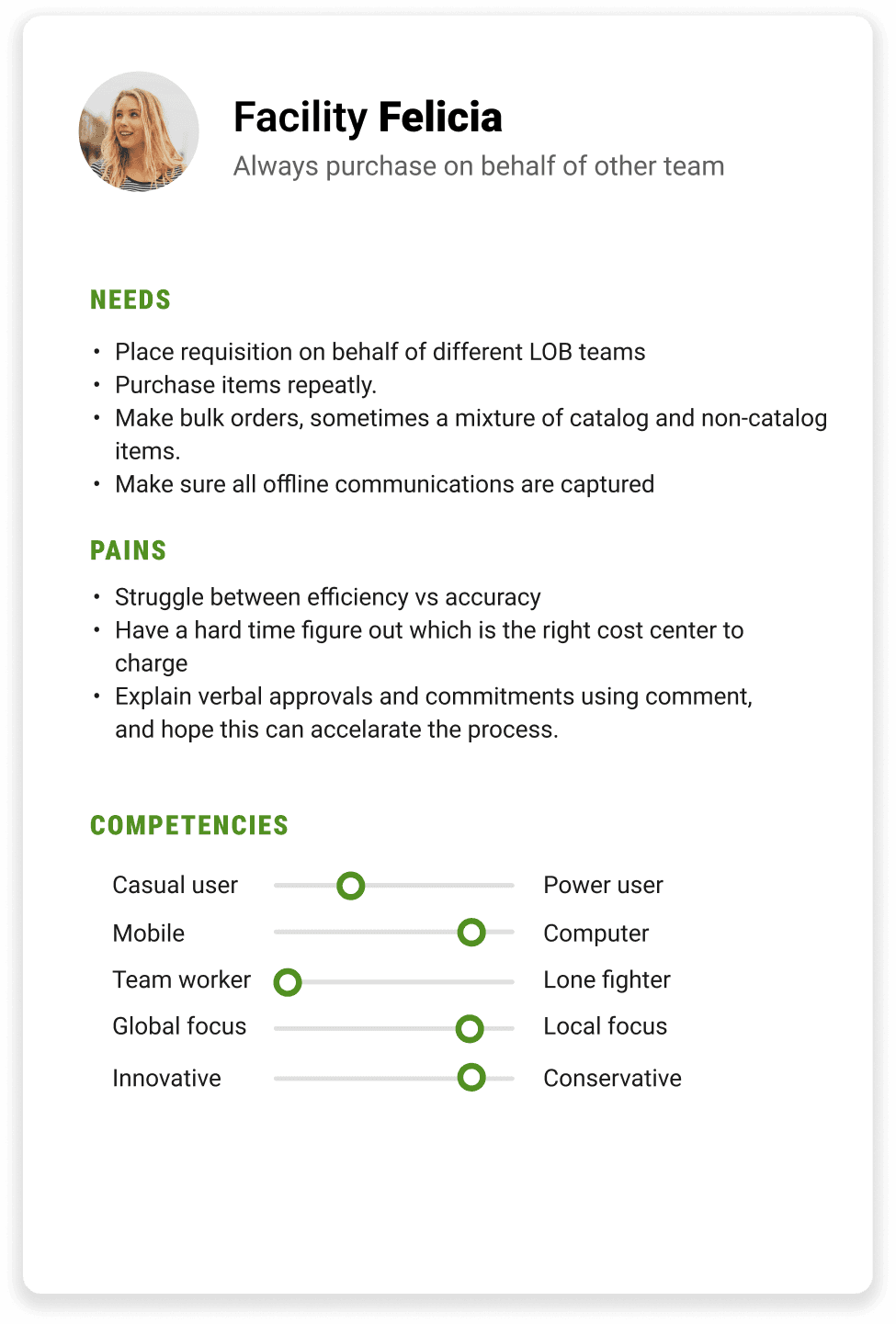
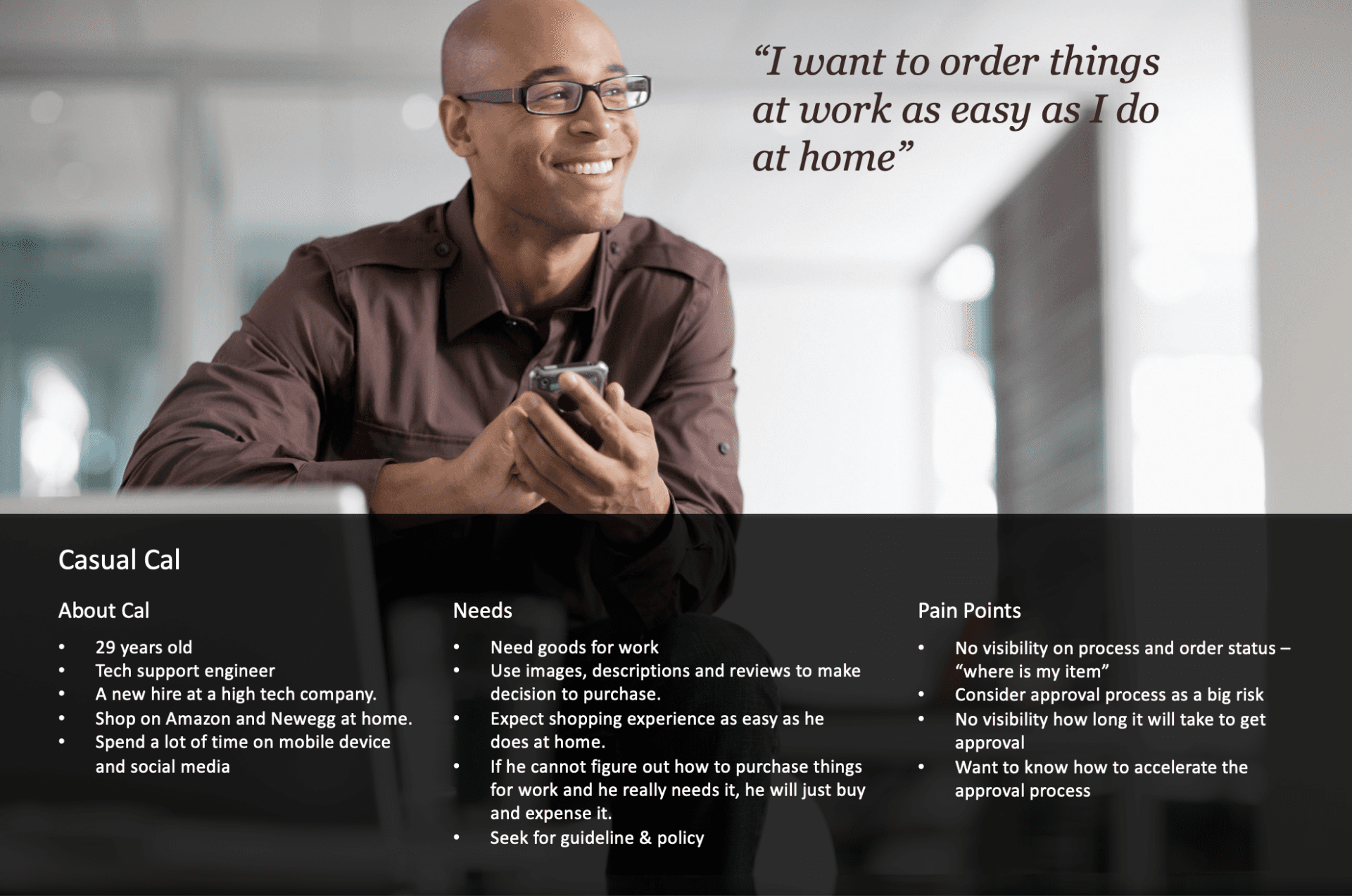
User Personas
Working with the user research team, roles were identified and an iterative process was built on feedback from users. I tested theories early in the process to determine what their needs might be.
User Journey
To design solutions that truly meet user needs, it is essential to understand the experiences, emotions, and challenges users face throughout their journey. This journey map visualizes the steps, pain points, and moments of delight encountered by a buyer purchasing products and services.
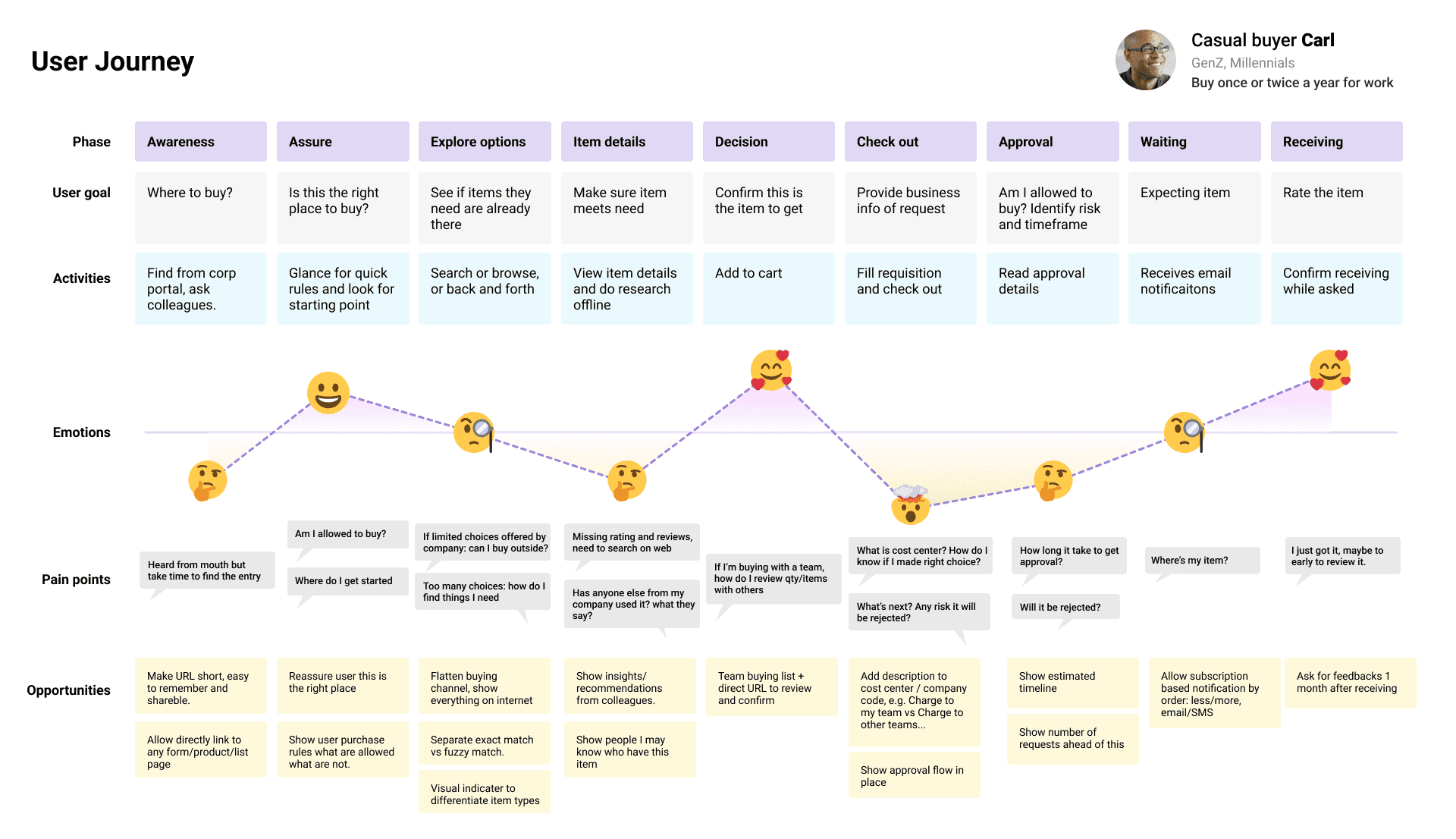
The map serves as a foundation for identifying opportunities to enhance usability, reduce friction, and deliver a more seamless, impactful experience. It reflects insights gathered through user research, including interviews, surveys, and observational studies, and provides a clear path forward for refining design solutions.
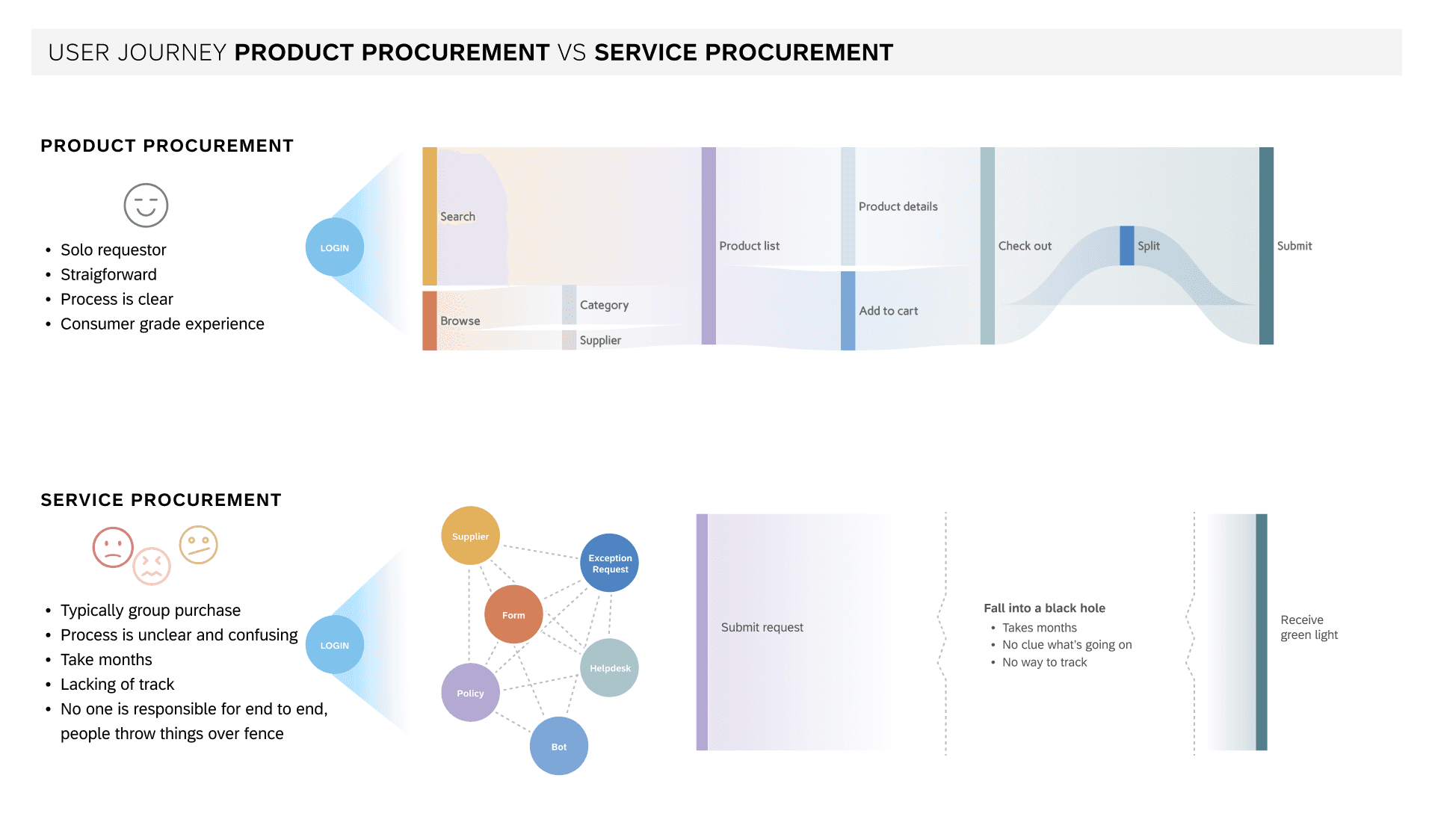
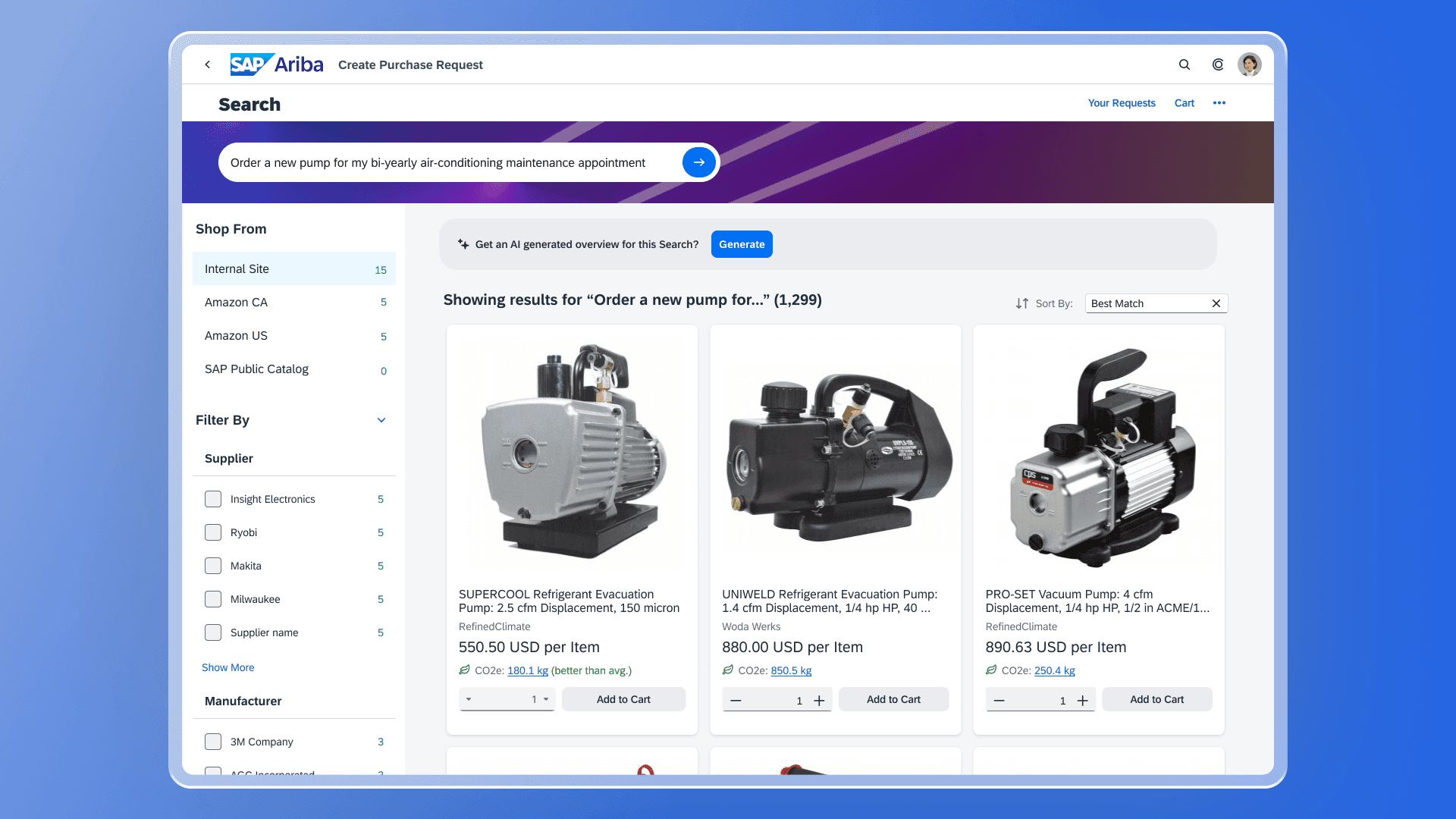
Bundling Products and Services with Artificial Intelligence
Bundling products and services using AI was a complex challenge. I collaborated with the Ariba team to demonstrate how we can extract data from our Fieldglass environment to initiate a Statement of Work (assigning a service with a designated worker) and seamlessly bundle it with the necessary hardware parts to complete the repair. Embed intelligent processes to guide users to make the right purchasing choices, reduce approval cycles and errors, and free your accounts payable teams to focus on the bigger picture.
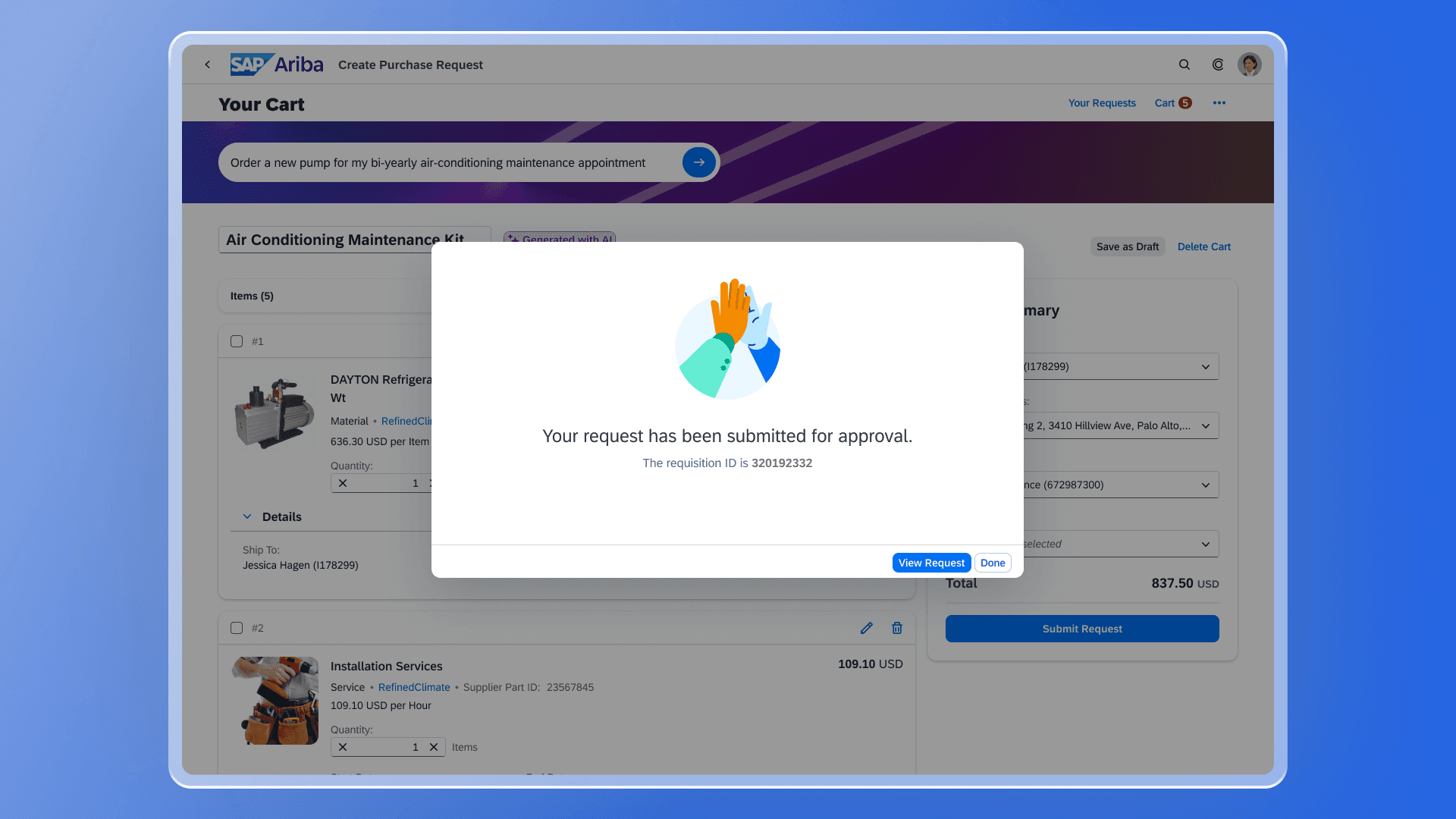
Informational Messaging
An illustrated message is a combination of a solution-oriented message, engaging illustration, and conversational tone to better communicate an empty state than just a message alone. I designed this interaction to keep the user informed about the next steps and ensure a smooth and clear user experience.
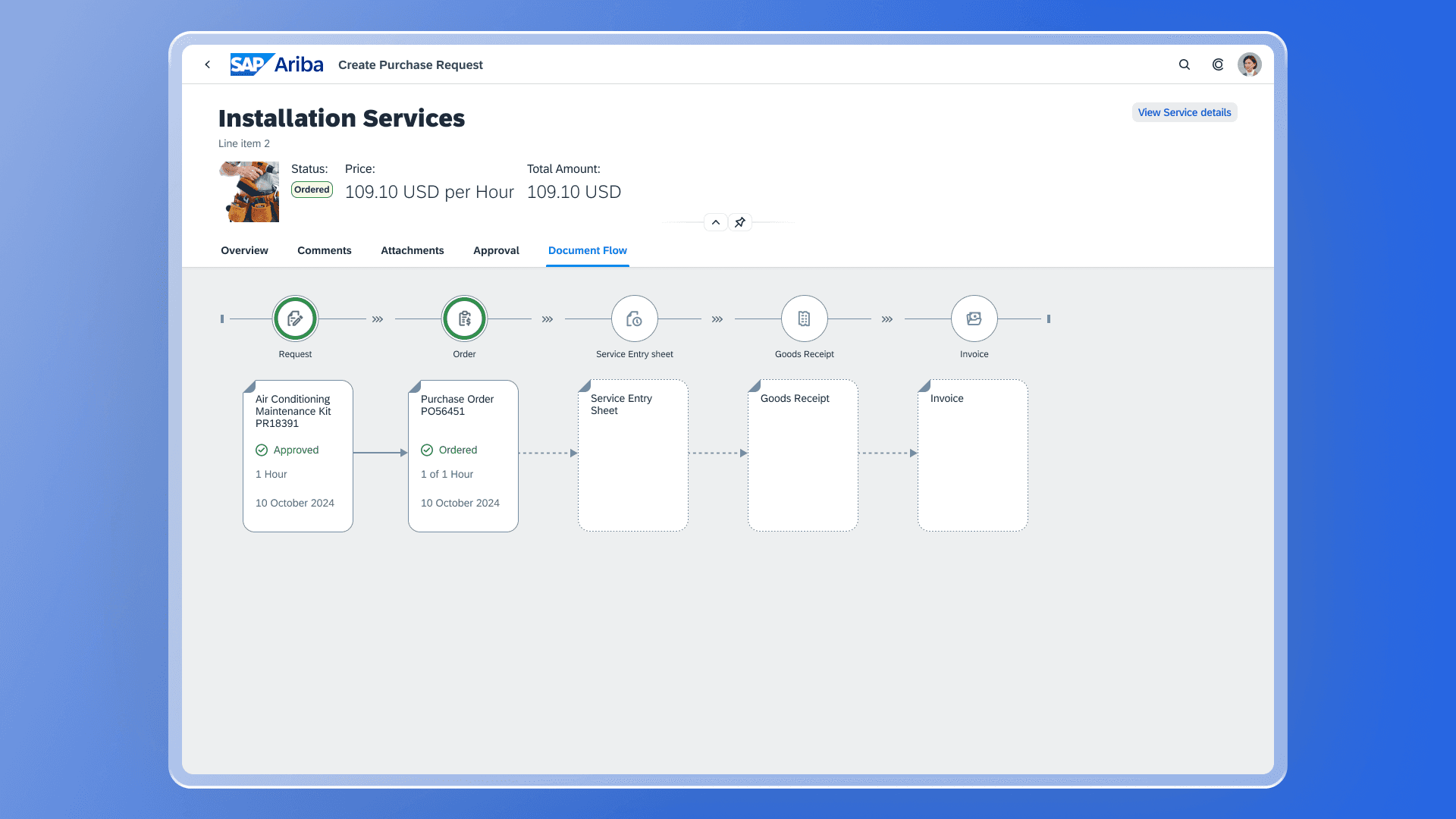
Process Flow
The process flow control allows you to show flows of multiple types of objects, such as documents and approvals. I utilized the SAP Design System with this floor plan to keep the user informed about their next steps. As you can see here, the Service Entry Sheet (Statement of Work) is the next item that needs attention.
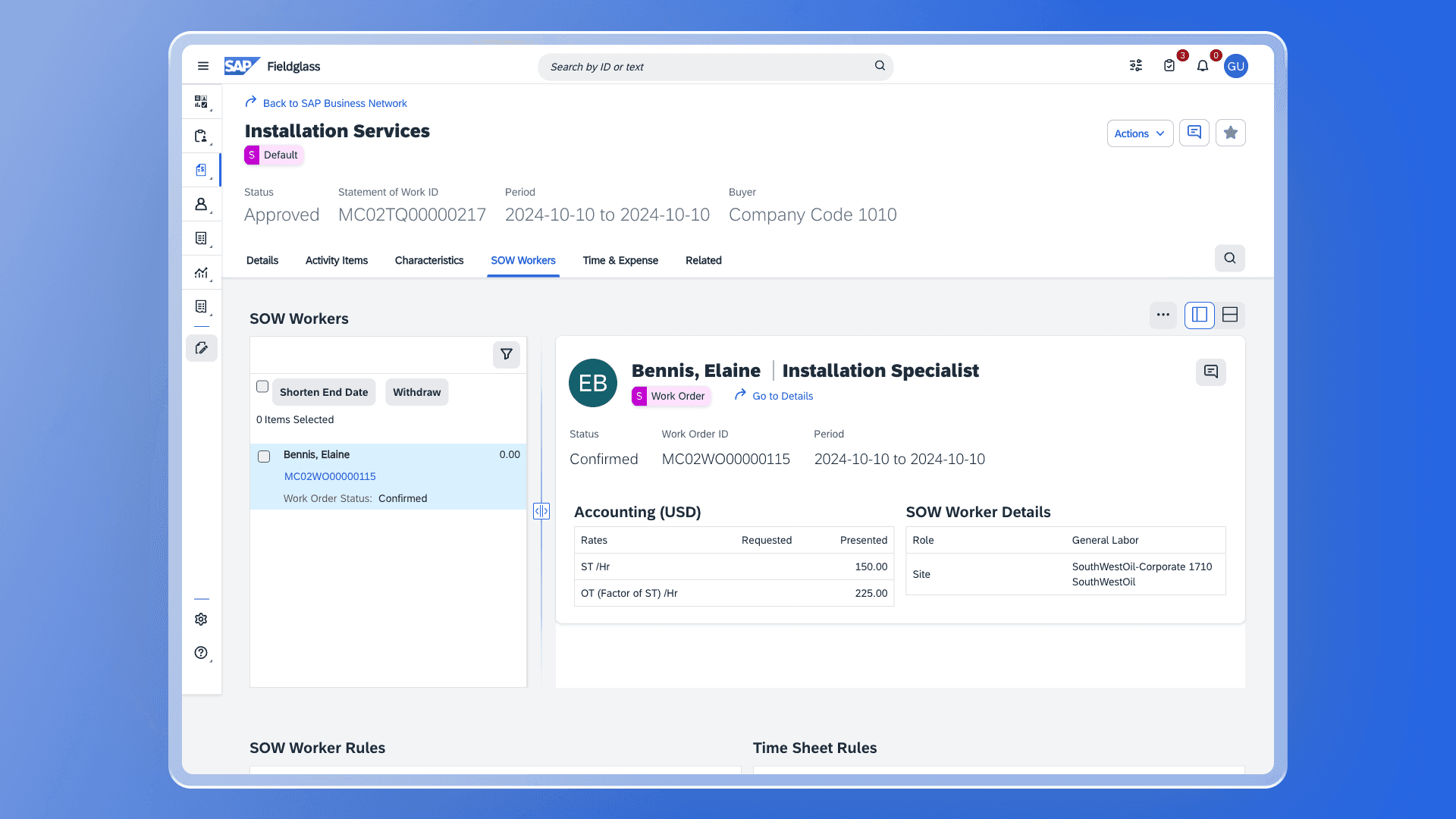
Statement of Work
The SAP Fieldglass environment is now displayed, and the supplier needs to review the SOW Worker assigned to the installation service. I was responsible for designing and simulating this floor plan, ensuring it aligns with data from previous screens in our workflow to create a clear and cohesive user experience.
Other projects
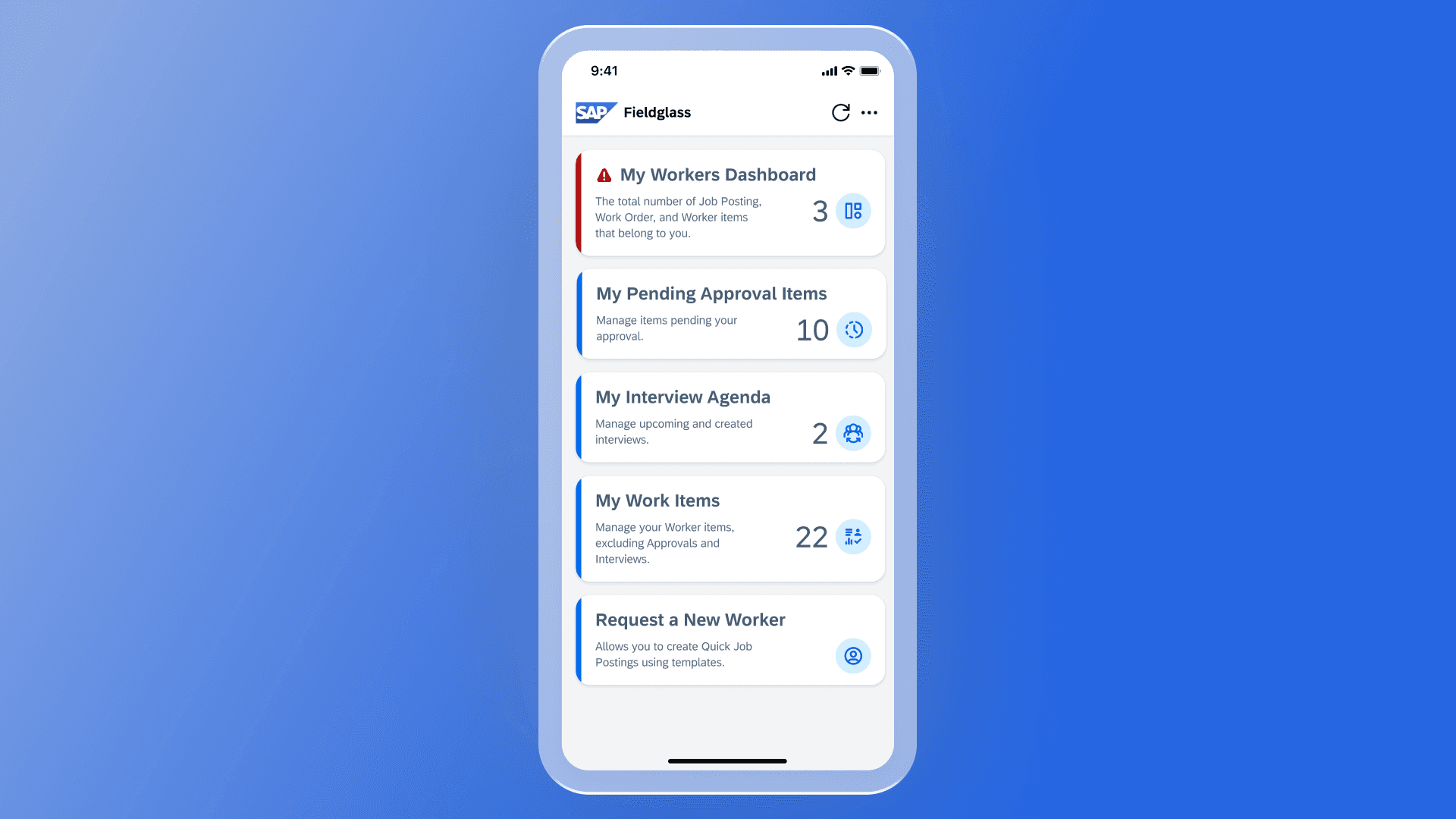
SAP Fieldglass Manager Hub Mobile App
Every hiring manager’s go-to app for effectively managing their workers.

SAP Mobile App Icons
Designing mobile app icon families for both Apple and Google Play store experiences.
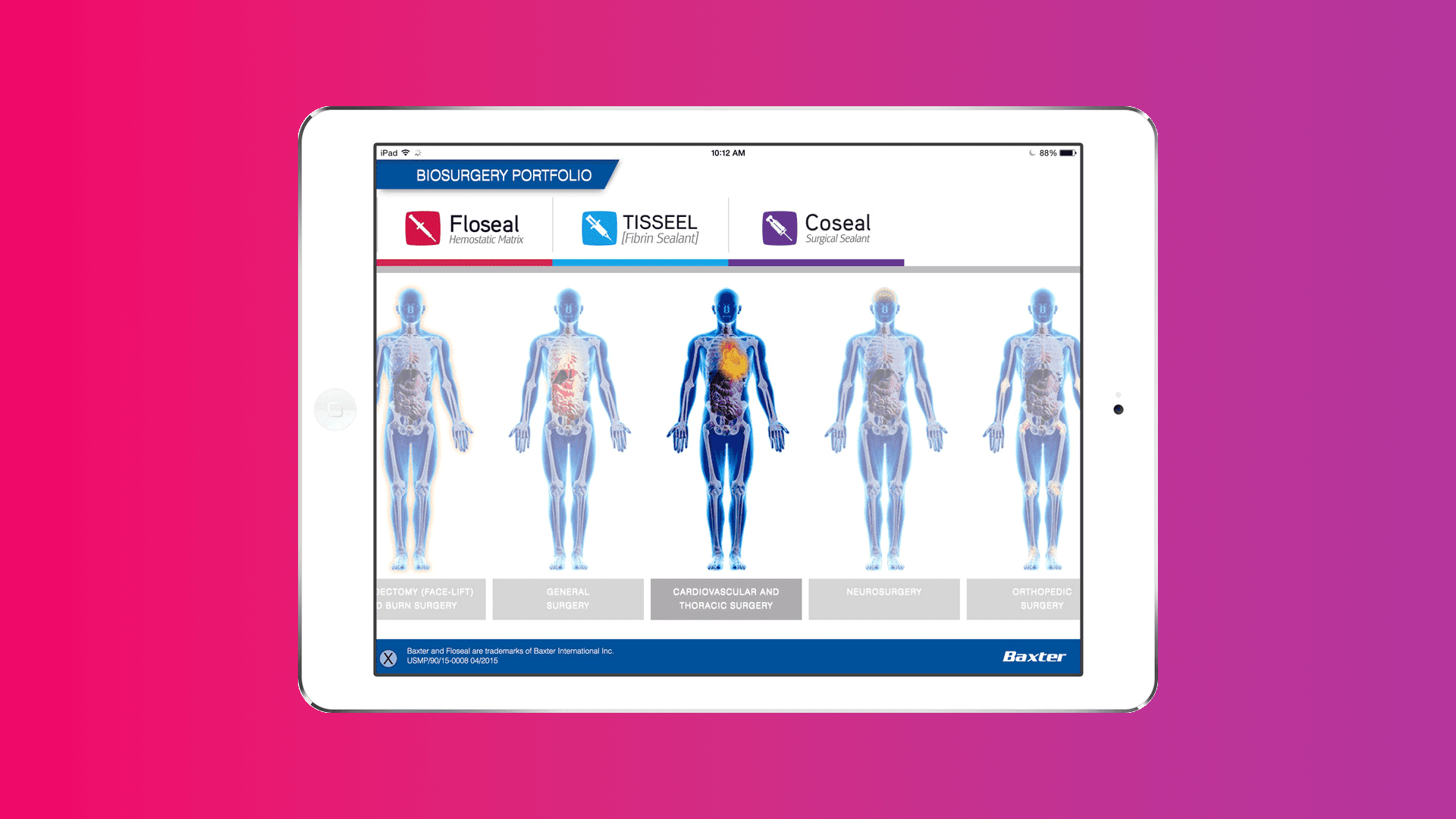
Baxter Biosurgery Mobile App
Assist and educate field reps in the health industry. The portfolio comprises products for sealing and tissue regeneration aimed at improving surgical practice.
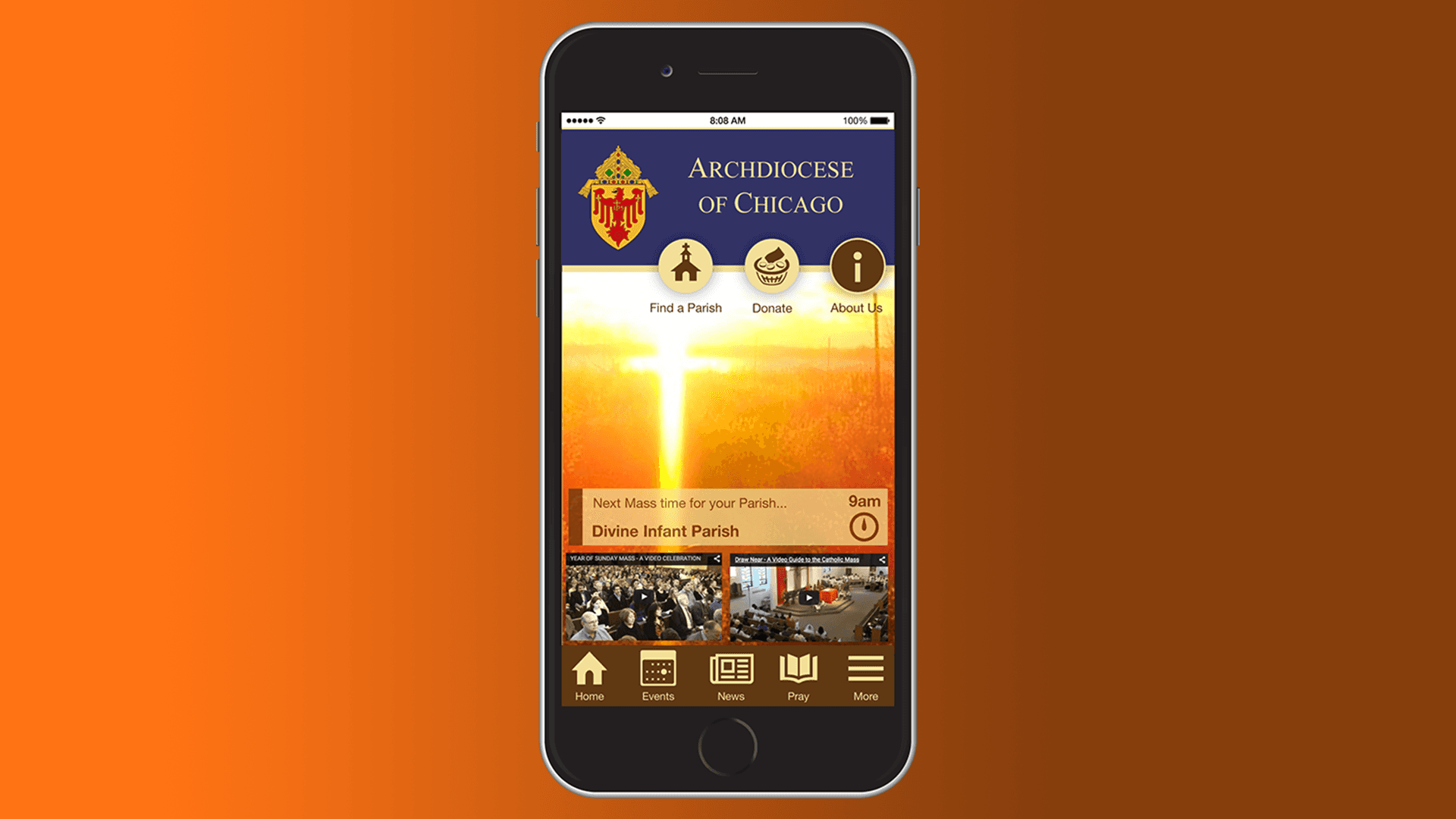
Archdiocese of Chicago Mobile App
Leveraging technology to bridge religion with a younger audience.
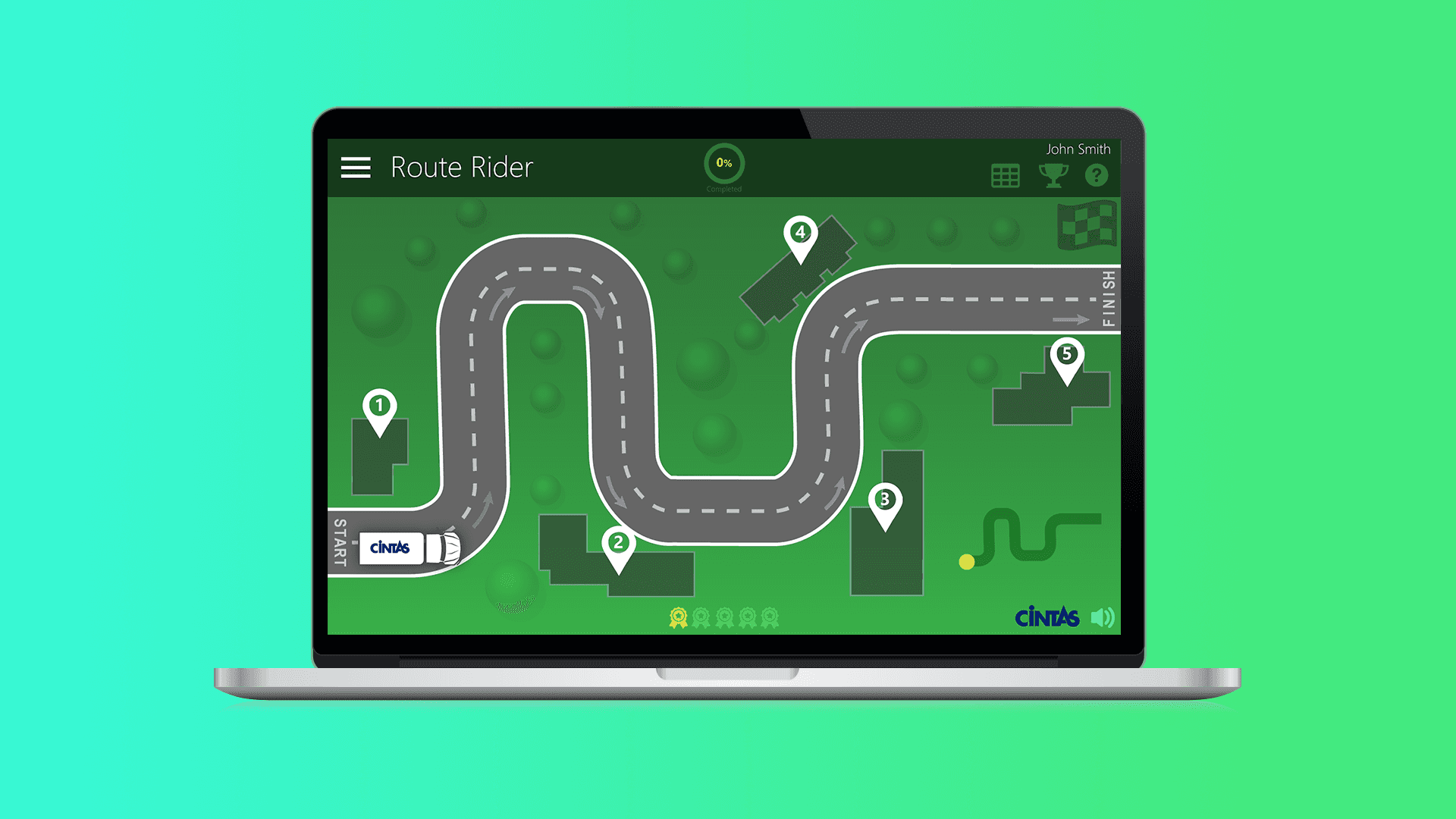
Cintas Gameification Prototype
An engaging eLearning game with an intuitive, fun user interface and interactive features.